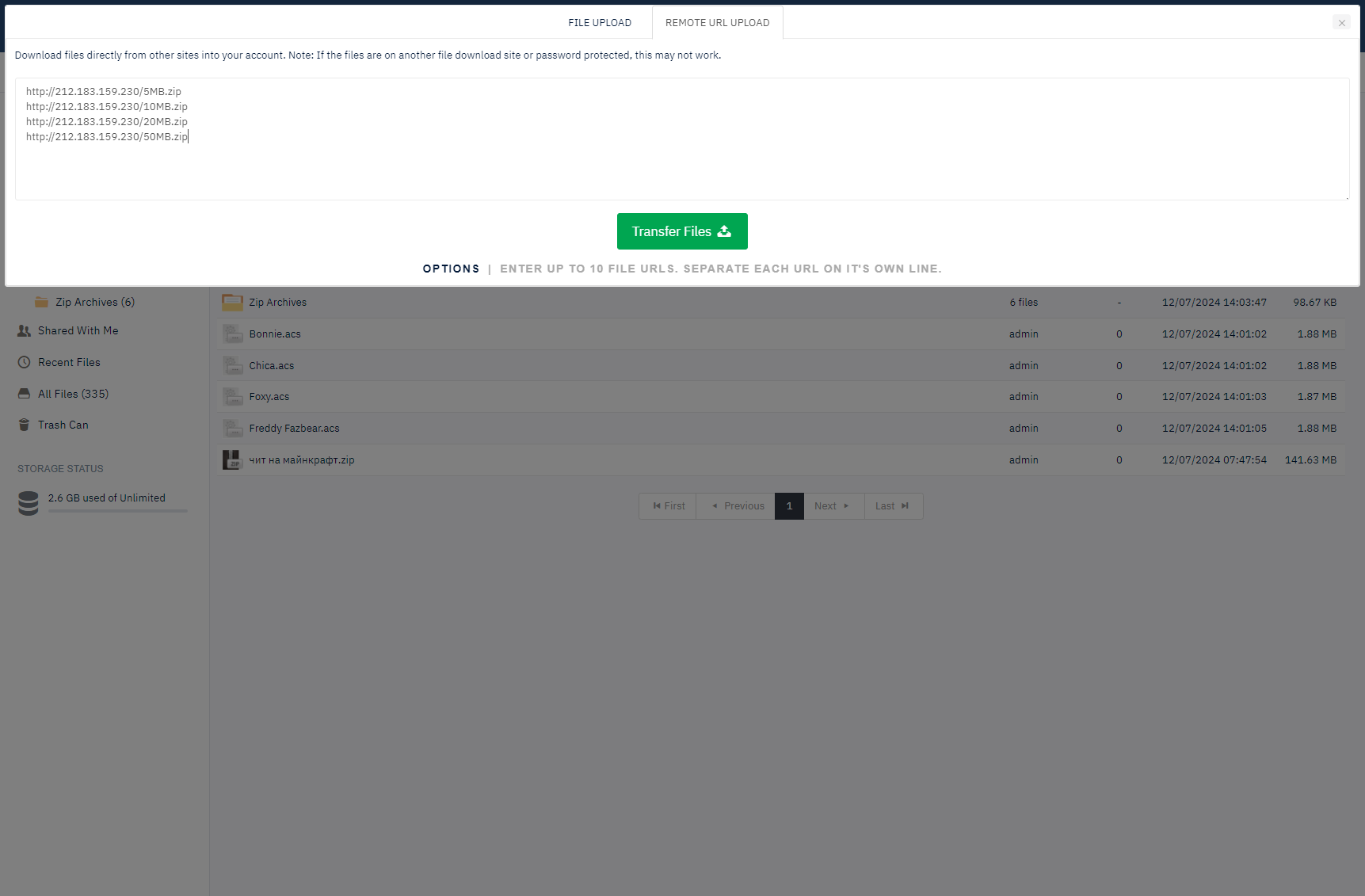
Remote upload is accessible via the 'remote url upload' tab on the uploader. If you configure it that way, users can use it to download files from external sites using the file url.
Remote File Transfer
-
Authenticated URL Support
Support for username and password protected HTTP & FTP URLs in the format ftp://user:[email protected]/filename.txt.
-
Batch URL Processing
Enter multiple URLs at once for simultaneous file transfers.
-
Real-time Progress Indicators
Progress indicators on each file being transferred so users are aware of percentage complete.
-
FTP File URL Support
Supports FTP file URLs for seamless file transfers from FTP servers.
-
Transfer Limits Control
Admin can limit the total files permitted at once for system performance optimisation.
-
Filesize Restrictions
Admin can limit the max filesize for each file to manage storage resources.